Bring early-90s nostalgia and Grove Street vibes to your room with the GTA: San Andreas Radar LED Clock, a customizable analog wall/desk clock designed to perfectly replicate the iconic mini-radar map HUD with over 50 interchangeable waypoints and optional glowing RGB backlighting.
Bring early-90s nostalgia and Grove Street vibes to your room with the GTA: San Andreas Radar LED Clock, a customizable analog wall/desk clock designed to perfectly replicate the iconic mini-radar map HUD with over 50 interchangeable waypoints and optional glowing RGB backlighting.
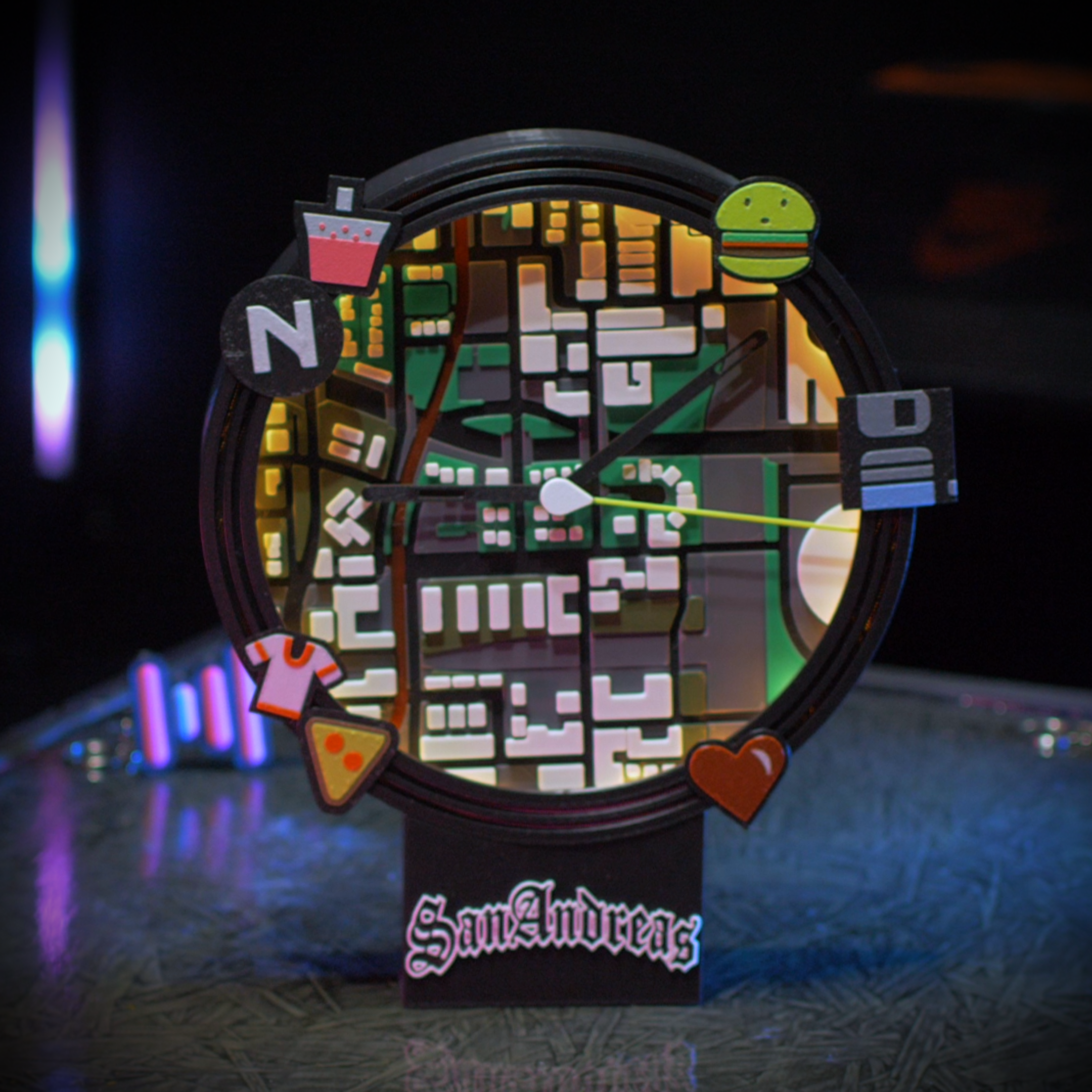
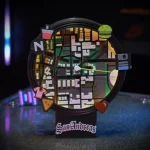
Welcome to Los Santos. Bring the ultimate 90s gaming nostalgia to your wall with the GTA: San Andreas Radar LED Clock! This fully assembled, 3D-printed analog wall/desk clock is the perfect piece of retro decor, meticulously designed to replicate the iconic mini-map HUD from one of the greatest game series of all time.
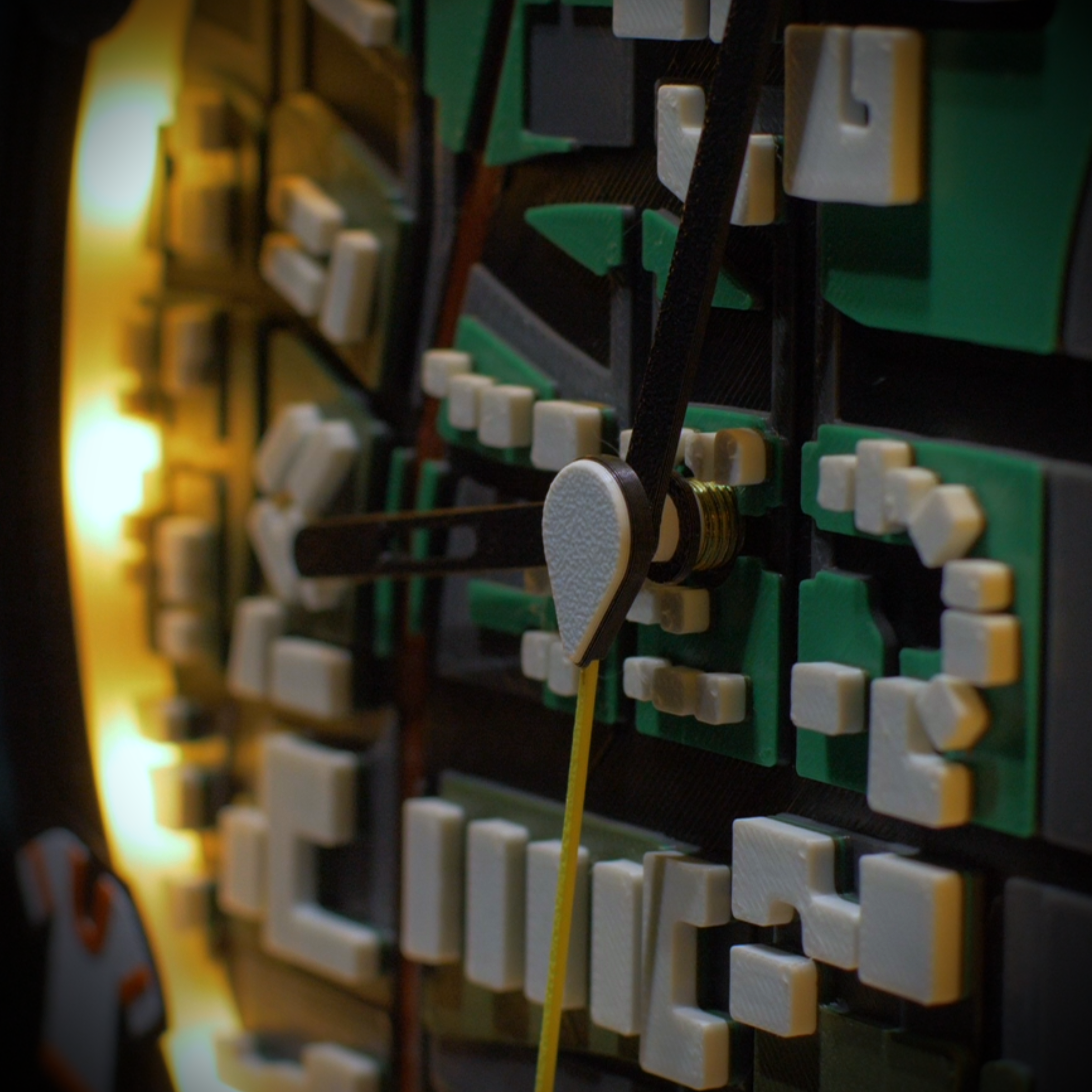
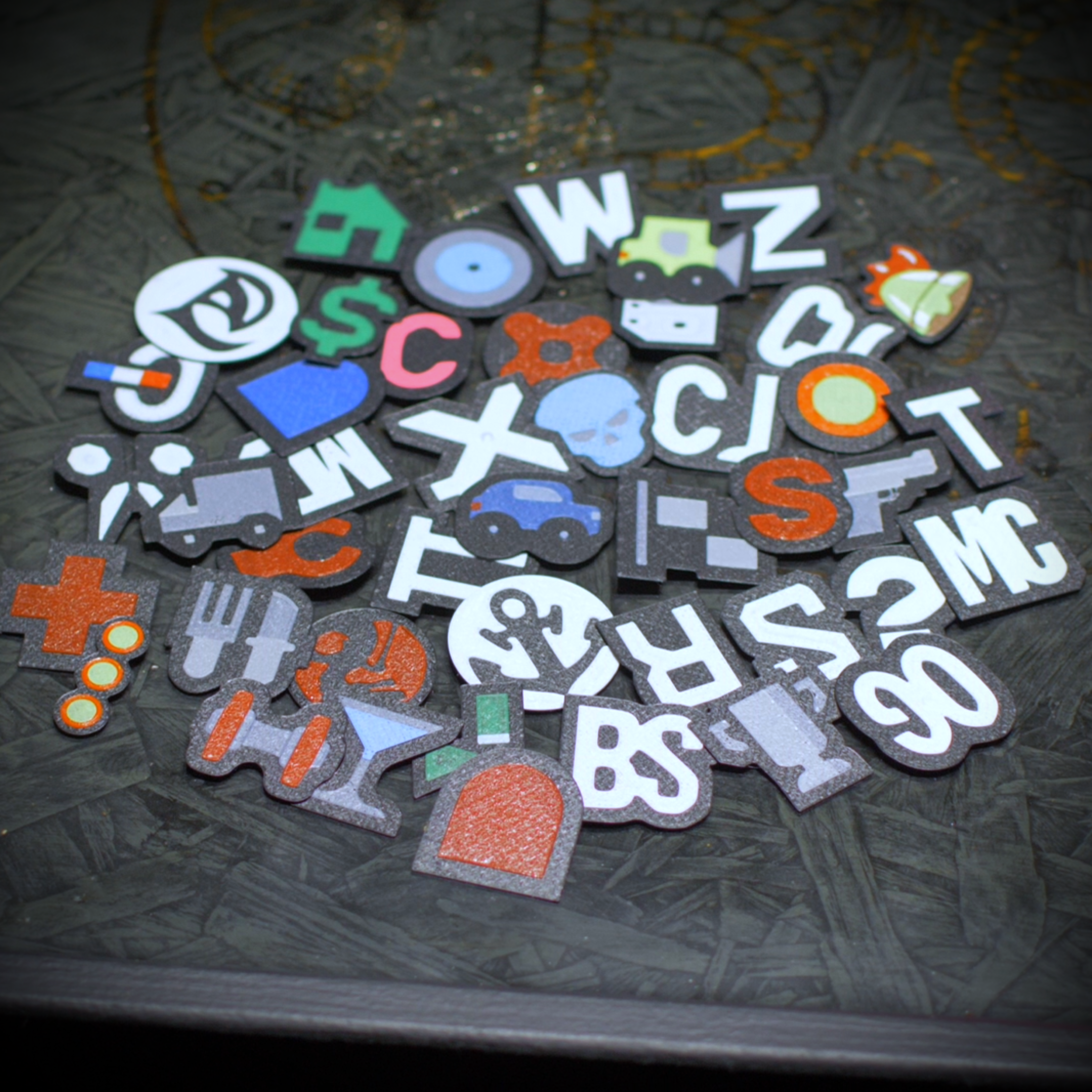
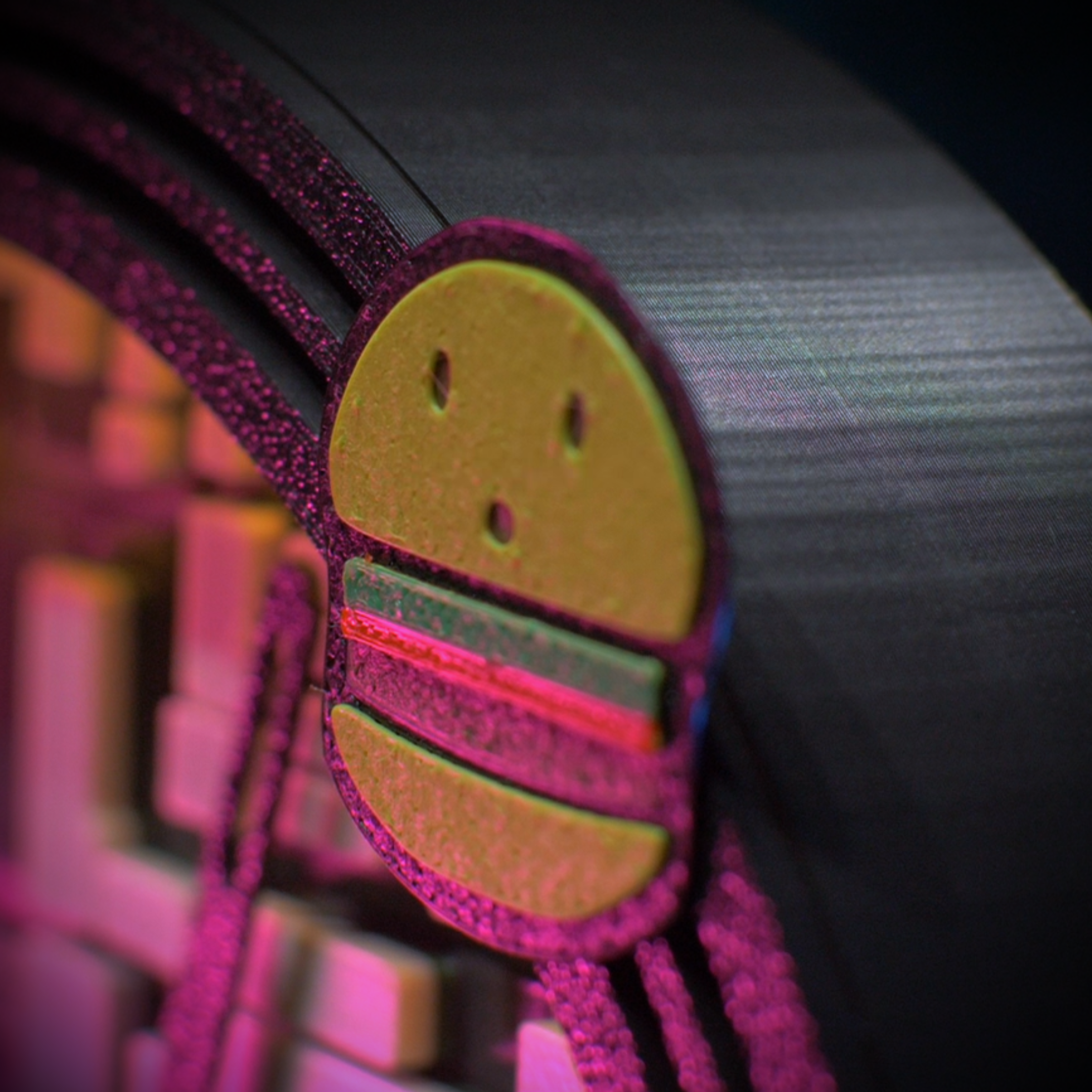
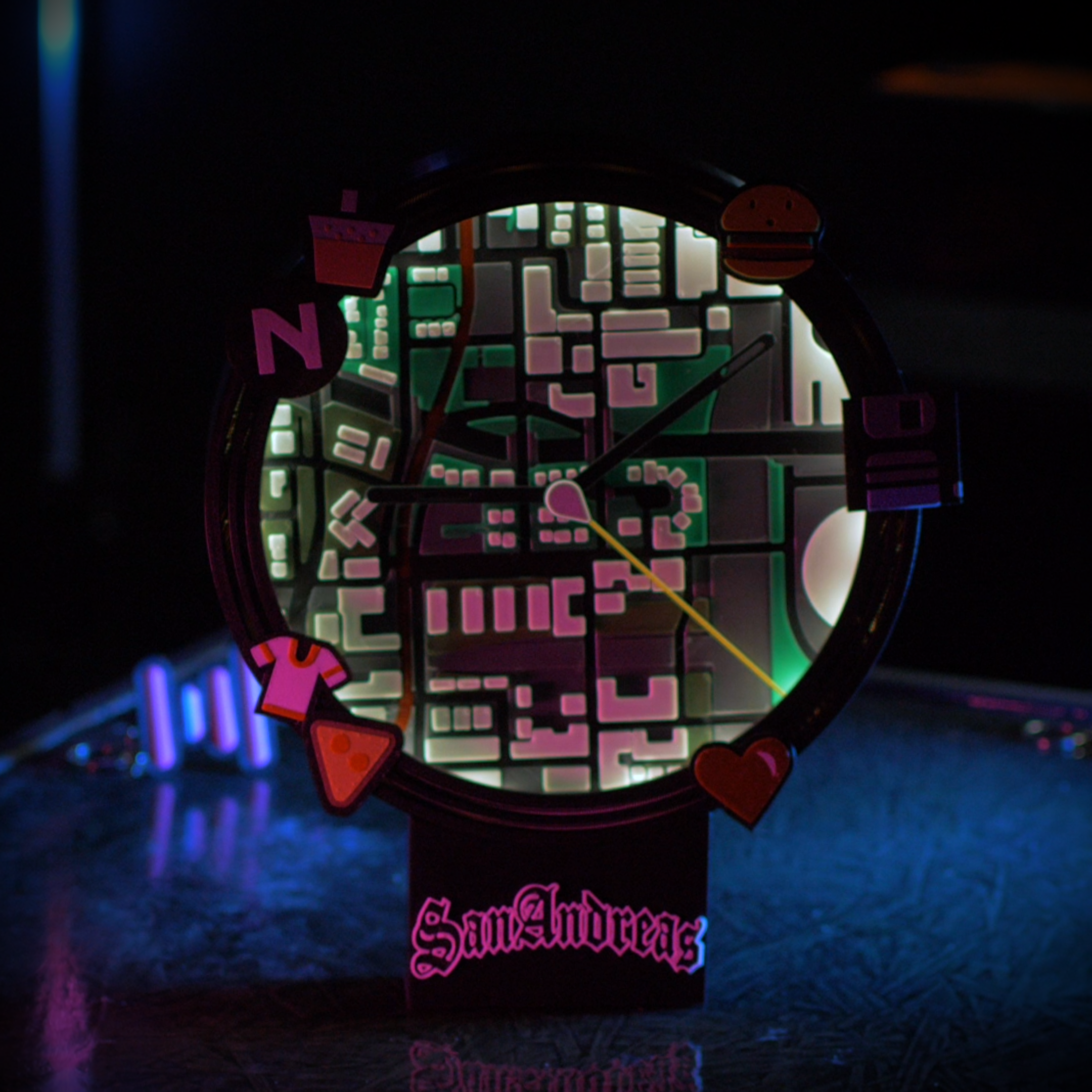
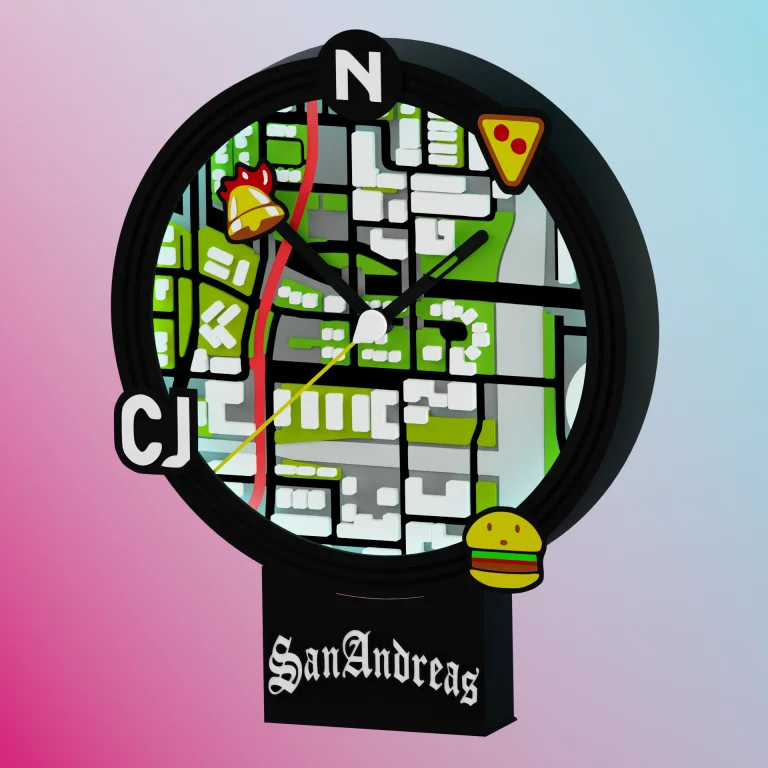
The clock face features the classic Los Santos map centered directly over CJ’s neighborhood—Grove Street. Custom hour and minute hands keep the time, while the custom second hand acts as the player’s center icon, sweeping a long line outward across the map to track every passing second. Make the radar HUD your own using an incredible 51 interchangeable 1-inch destination icons. From classic mission markers and safehouses to Ammu-Nation and Pay ‘n’ Spray, these waypoints snap securely right into the rim, allowing you to completely customize your display.
To give you the exact aesthetic you need, this clock is offered in two variations:
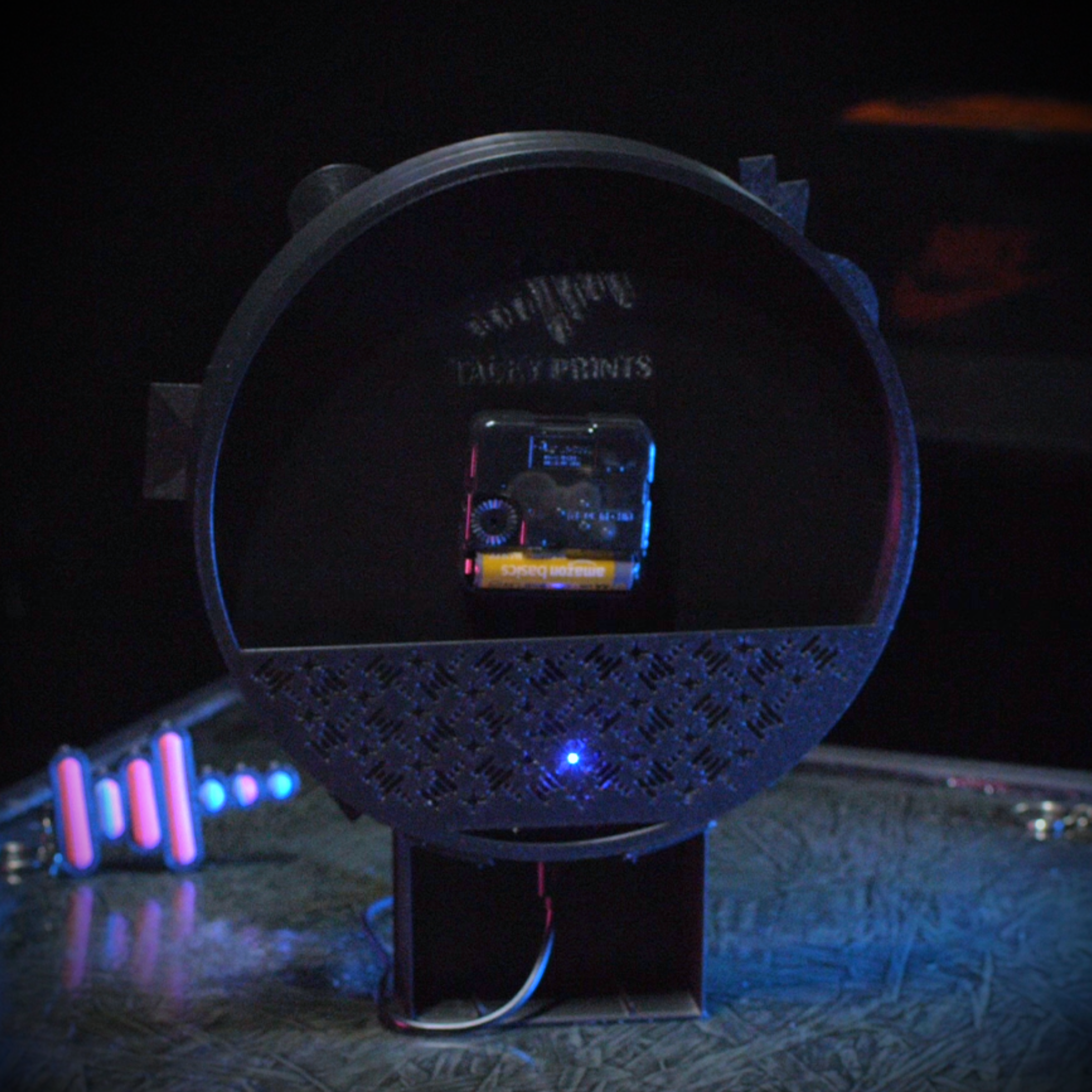
Standard Edition (No LEDs): Functions beautifully as a standard battery-operated analog clock out of the box. You get the complete Grove Street-centered map, all 51 snap-in waypoint icons, and the sweeping player hand. We designed the inner rim with a built-in channel, making it perfectly mod-friendly if you ever decide to install your own LED strip later.
Deluxe LED Edition: The ultimate HUD experience. This version comes fully wired with an ESP8266-controlled RGB LED strip lining the inner rim, casting a brilliant glow across your map that you can control from your phone or computer. (Please check the dropdown menu for current inventory and availability.)
Product Features:
Authentic HUD Design: Features a detailed Los Santos map face centered on Grove Street and a sweeping player-icon second hand.
Massive Customization: Includes 51 snap-in destination icons to populate your map and mark your favorite spots across San Andreas.
Two Display Options: Available as a standard, mod-friendly analog clock or fully upgraded with smart RGB LED lighting.
Ready to Mount: Comes fully assembled with a built-in clock mechanism and a stand for optional wall or tabletop mounting.
Additional information
Weight
0.7 lbs
Dimensions
1.5 × 11 × 9 in
Material
High-Quality 3D Printed PLA
Color
Black, Pink, White
Attachment
Battery-operated analog clock assembly
Manufacturing
3D Printed in-house by Tacky Prints
Add-ons
RGB LED Lights, NO Add-ons
Reviews
There are no reviews yet.
Be the first to review “GTA: San Andreas Radar LED Clock” Cancel reply





Reviews
There are no reviews yet.